What is a text editor?
A text editor is a piece of software that you download and install on your computer, or you access online through your web browser, that allows you to write and manage text, especially the text that you write to build a web site. The text editor has to be one of the most important tools you can use as an aspiring web developer.
What features should you look for in a text editor?
I would say some of the most important features are:
- code completion
- syntax highlightin;
- a nice variety of themes (to reduce eye strain and fatigue)
- the ability to choose from a healthy selection of extensions available when you need them.
-
Every computer will come with its own text editor. On Mac computers, the text editor that comes with your computer is called, “Text Edit.” On Windows computers, the text editor that comes with your computer is called, “Notepad.”
-
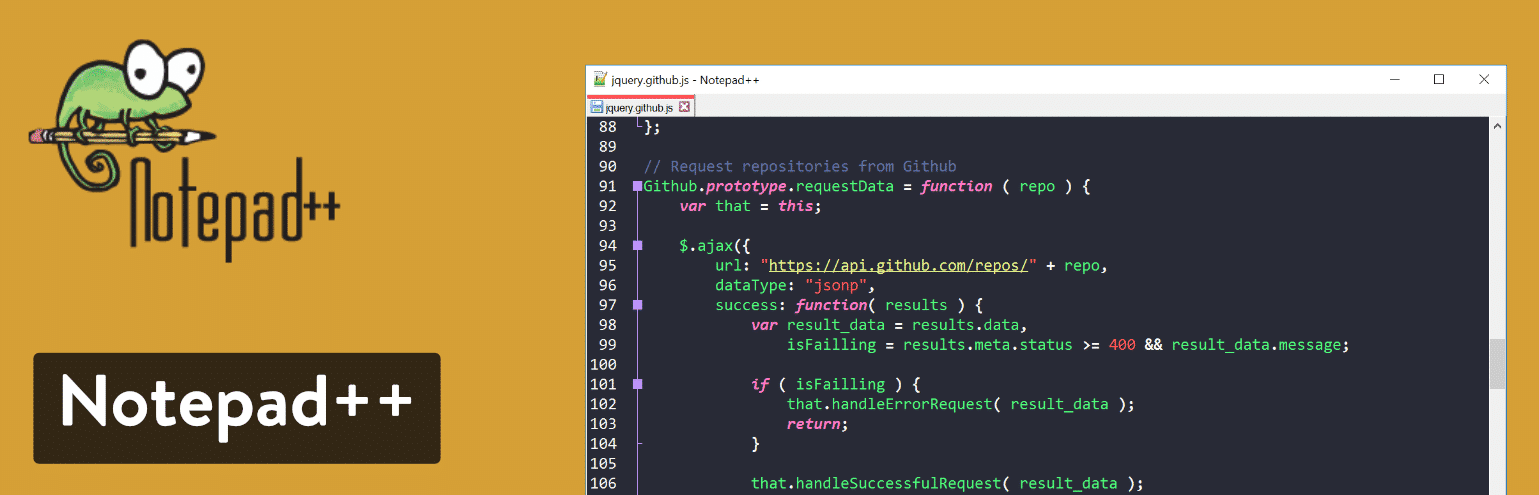
Third-Party Options Ok, what about third-party options? Let’s talk about software like: Notepad++, Text Wrangler, BB Edit, Visual Studio Code, Atom,Brackets, and Sublime Text. These text editors can all be downloadedand installed to your computer from their respective websites.most of this software is absolutely free.
The Difference Between Text Editors and IDEs
-
A text editor kind of gives away what it does in the title—it edits text.It also manages text, and manages files
-
An IDE (Integrated Development Environment) is really a suite of different software all coming together. An IDE is a text editor, a file manager, a compiler, and a debugger all in one software package.